Best Monitors 2026
The monitor is what you actually look at, and it defines how good your hardware feels. The right panel matches your GPU's output to a resolution and refresh rate you'll genuinely use.
FROM THE SHOPWe see brand-new RTX cards plugged into 1080p 60Hz panels constantly. Match the monitor to the GPU so the spend shows on screen.
What to consider when choosing monitors:
- Resolution — 1080p, 1440p, or 4K; balance against your GPU's strength
- Refresh rate (Hz) — 144Hz+ transforms fast-paced gaming
- Panel type — IPS for colour, VA for contrast, OLED for the best of both
- Adaptive sync (G-Sync/FreeSync) and response time for smooth motion
COMMON MISTAKE
Buying a 4K 144Hz monitor your GPU can't drive. Match the panel to the card so you actually hit those frames.
Top 20 monitors





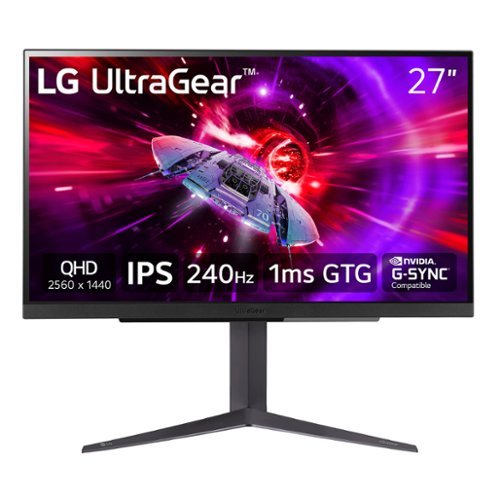
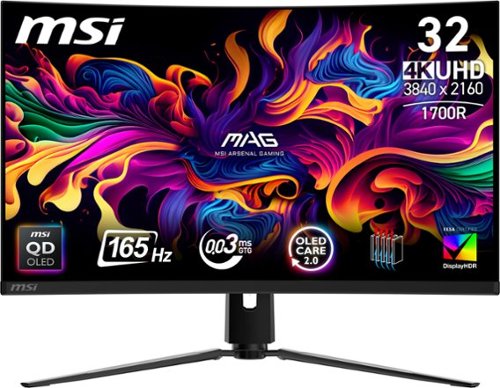
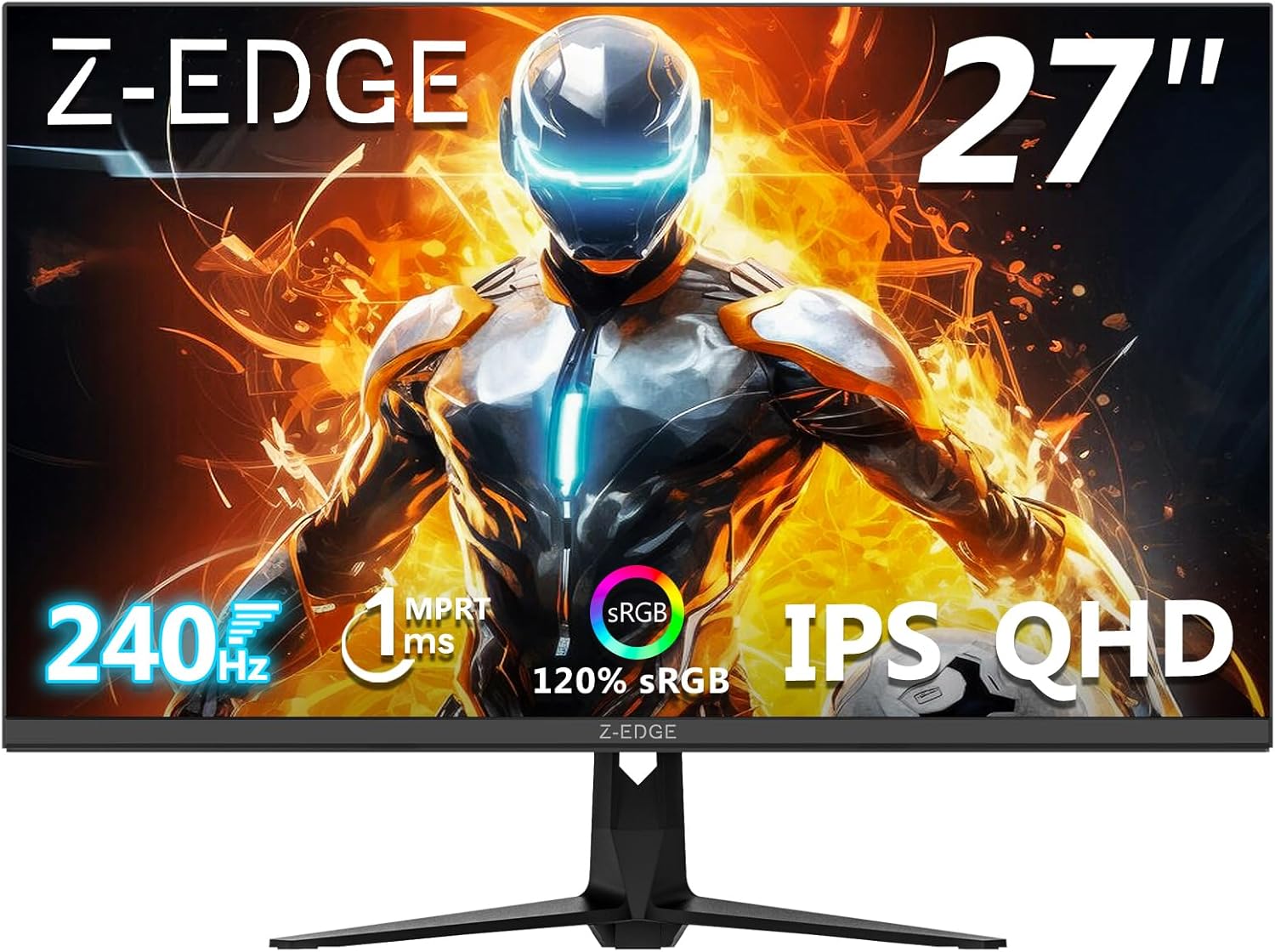
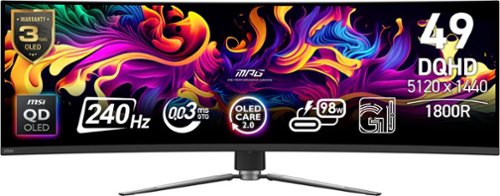



Popular monitors right now
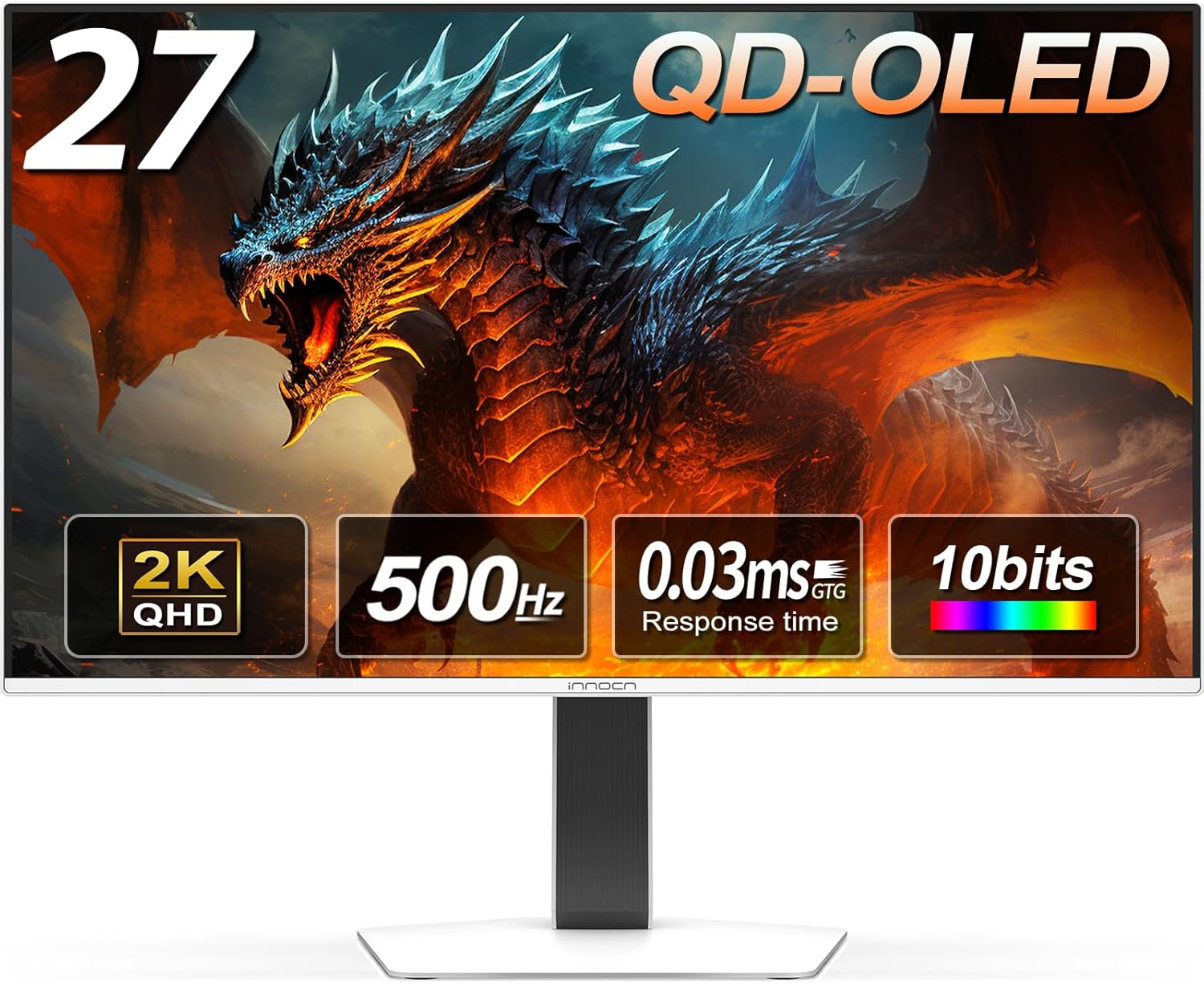
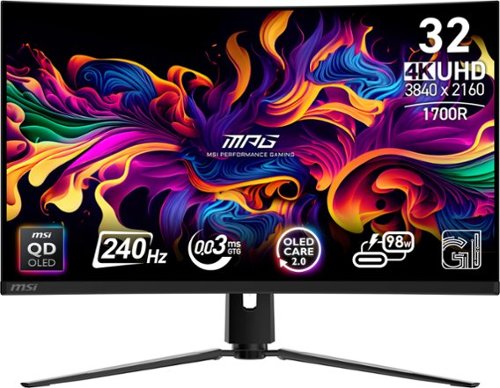
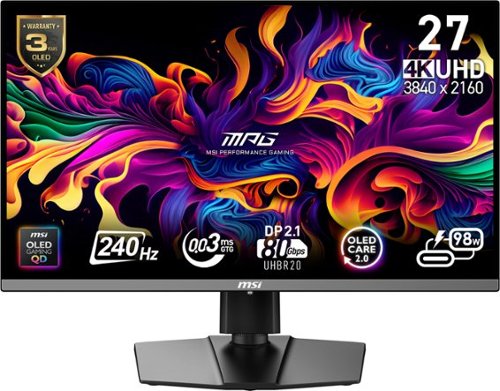
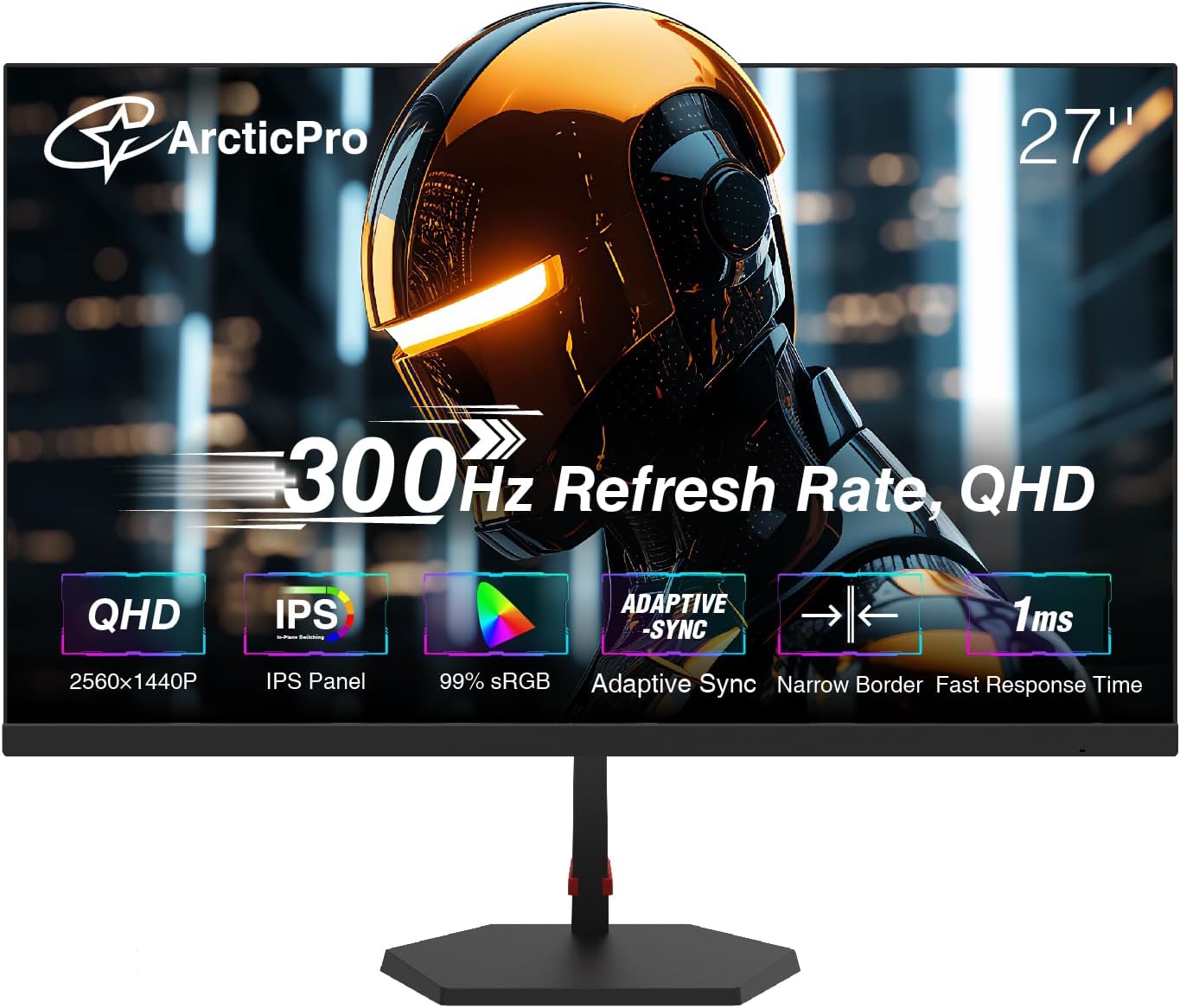
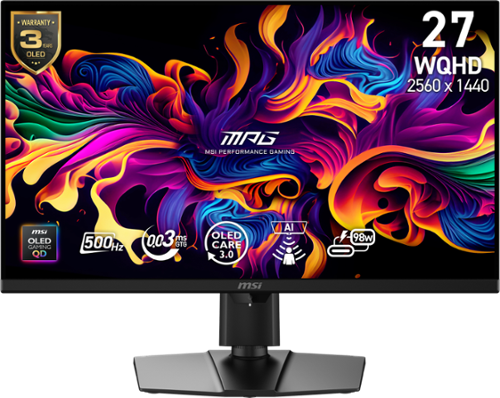
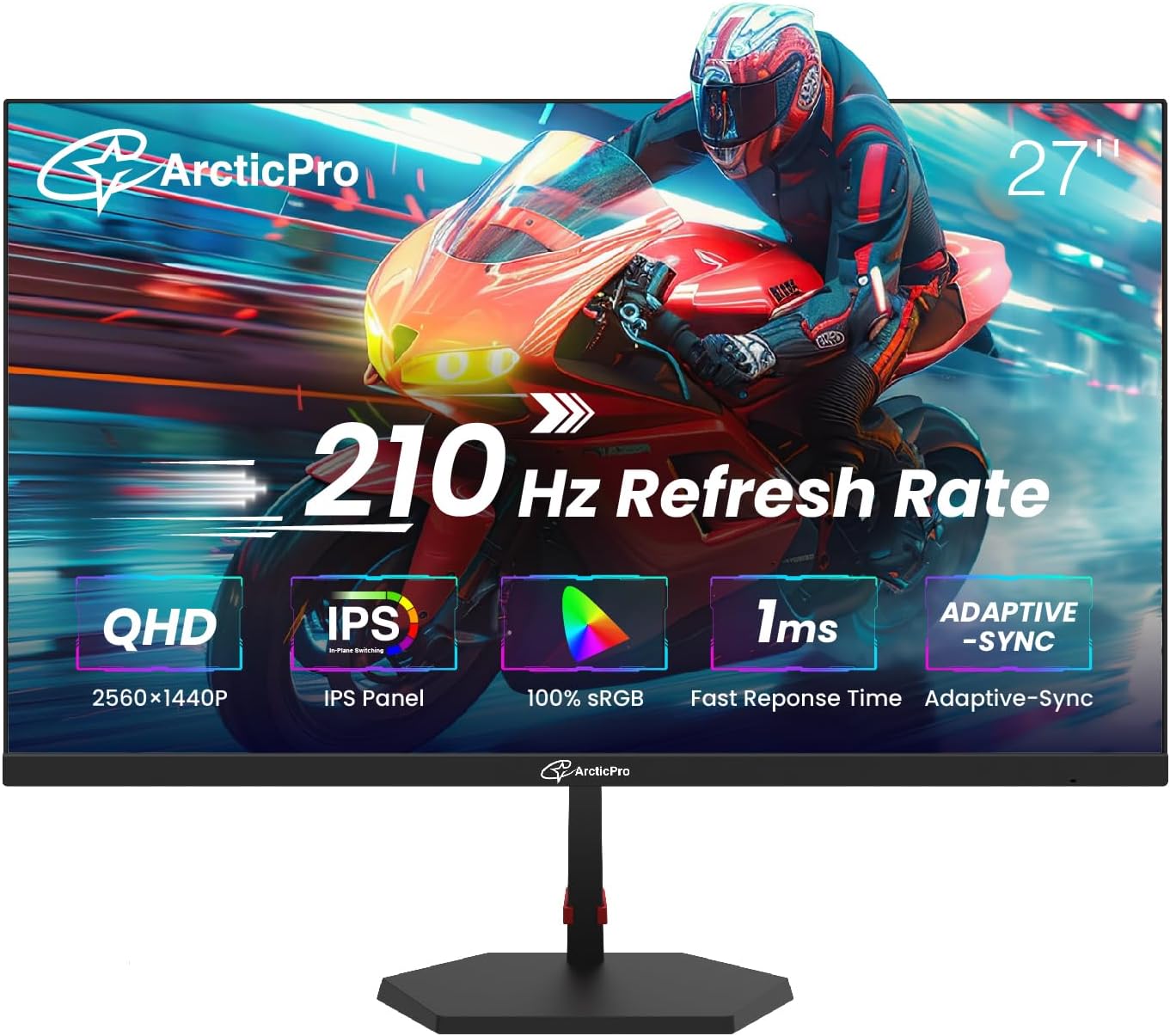
27 Inch 4K Gaming Monitor HDR 400, UHD 160Hz 144Hz | FHD 320Hz 300Hz 1ms Fast IPS Dual Mode, 126% sRGBLG 27GR95QE 27in 1440p 240Hz OLED27" OLED 2K QHD 2560 x 1440p 500Hz Gaming Monitor, Gaming Console Ready, VRRAW3423DW Curved Gaming Monitor 34.18 inch Quantom Dot-OLED 1800R Display, 3440x1440 Pixels at 175Hz, True 0.1ms Gray-...MSI - MPG 321CURX QD-OLED 32" 3840x2160 (UHD) Curved OLED Quantum Dot Monitor 240Hz 0.03ms(GTG) HDR400 Type-C DisplayPor
Ready to build smarter?
Every tool free. Zero ads. Real multi-retailer pricing. Plus our exclusive hardware scanner.