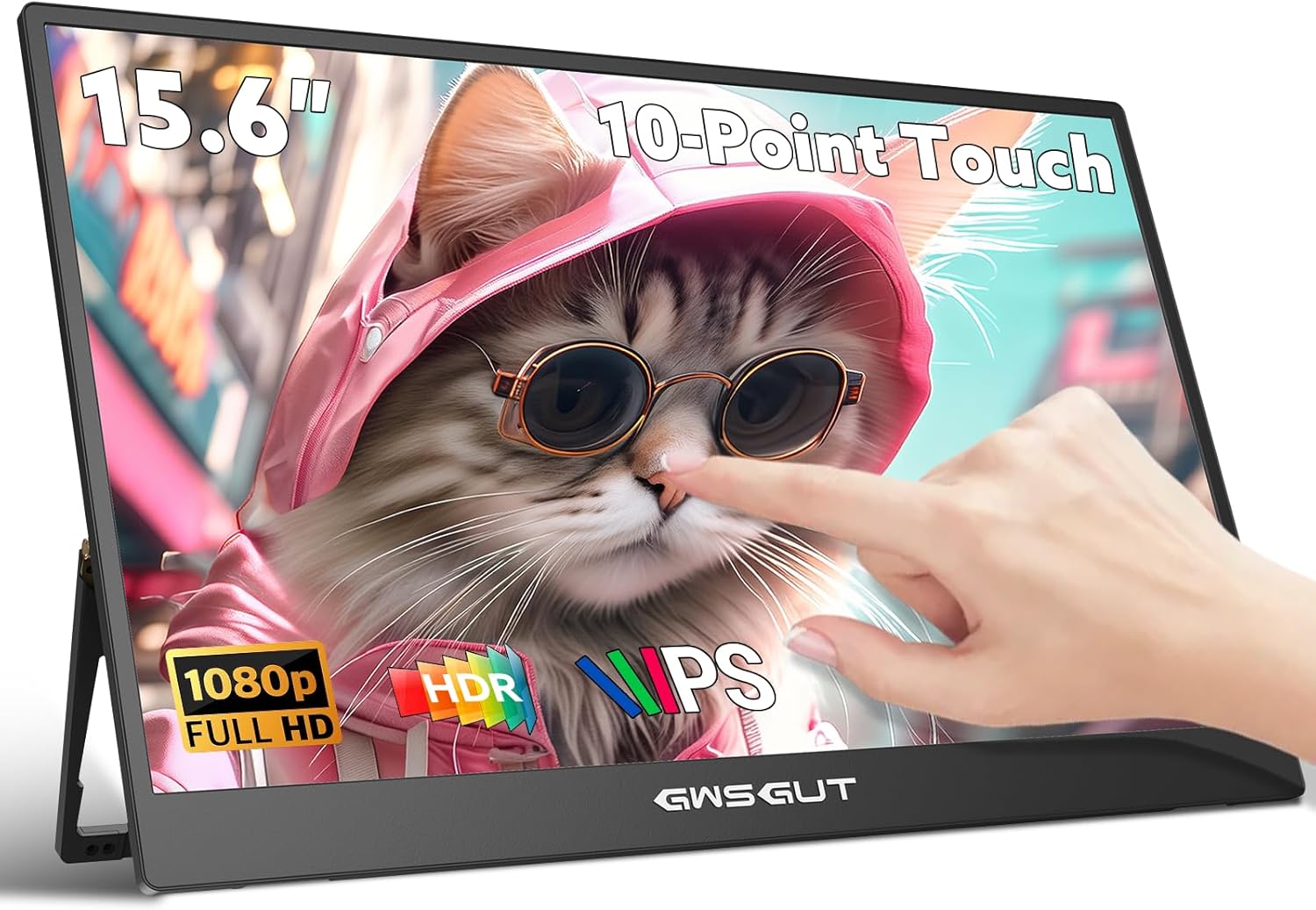
Great Monitor, Even Better Customer Service
The package arrived quickly and was very well-packed. Inside, everything was snugly wrapped in soft foam. I found the 15.6" monitor itself with a protective film that had a quick-start guide printed on it—a clever touch. You get everything you need: two USB-C cables, a USB-A cable, an HDMI cable, a power adapter, and a user manual.
Setting it up was a breeze. It works perfectly with both my Lenovo T15 and my desktop PC. The only minor hiccup was with the desktop; to get both the display and touch functions working, I had to use the HDMI cable and the USB-A cable. It would have been even more convenient if a single USB-A could handle it all, but hey, no big deal!
I also tried it with my wife's MacBook Pro, and just as the seller clearly states on the product page, macOS has very limited support for touchscreen functions. It basically works like a single-click mouse—no multi-touch gestures or anything advanced. In comparison, Windows feels like it's running at full power, with complete touch support that really unleashes the screen's potential. It makes me wish Apple would release a patch to loosen these restrictions—maybe someday!
Another thing worth mentioning is how slim and lightweight this monitor is—it feels like carrying just half of a laptop screen. I’ve been using it not only for work but also for casual gaming: whenever I want to relax, I simply connect it to my Switch and jump into a game right away. While the Switch's screen is quite small and 720p only, this monitor provides a perfect portable big-screen alternative. The whole setup is so hassle-free that it’s become my go-to solution for quick entertainment.
Their customer service was second to none. I was consistently impressed by how quickly they responded to my queries, making me feel appreciated as a customer. My satisfaction stems from much more than just the product itself. A standout moment was when they proactively reached out to ensure my experience with the display was living up to expectations. It was a thoroughly positive experience from start to finish.
Hope this helps!
Angelia · 2025-11-22 · via amazon
★★★★★Great portable monitor — super clear and easy to use!
A Perfect Portable Extension for Laptop – Touchscreen Works Flawlessly!
I bought this portable monitor primarily to use as a secondary screen for my laptop, especially when working with data reports and spreadsheets. It saves me from constantly switching windows on my main display and has seriously improved my workflow.
Right out of the box, I was impressed by how slim and lightweight it is. The thin bezels give it a modern look, and the metal stand is both sturdy and space-efficient. The matte screen is another big plus—it doesn’t pick up glare like glossy glass displays, which makes long work sessions much easier on the eyes.
The touchscreen is highly responsive and works seamlessly with Windows. A simple finger swipe lets me scroll, zoom, or flip through pages effortlessly. One thing to note: the touch function required a quick initial setup to be recognized by my system. Fortunately, the seller provides clear instructions, including a video tutorial and a printed guide, which made the process smooth. I also occasionally use this 15.6” screen as a display for my iPhone 16 and ipad. While touch doesn’t work with those devices, it still serves as a handy large screen for viewing content.
While the default brightness is a bit dim , turning it up to 100% makes a big difference, and it's perfectly adequate for daily use as a portable monitor. There are built-in speakers, which are okay given how thin the monitor is—they do the job, though I did notice that sound gets louder and clearer when the monitor is plugged into power. That said, I still prefer using my laptop’s audio for better quality.
Connectivity is well thought-out: it comes with two Type-C ports and a mini HDMI port. The package includes all necessary cables—USB-C, USB-A, and HDMI—so it works right away with pretty much any device. A power adapter is also included. For basic use, a single USB-C cable can power the screen, but as I mentioned earlier, connecting it to the power adapter does improve both brightness and audio performance.
All in all, this monitor offers great value for the price. It does what it promises, and does it well. No regrets.
anna mo · 2025-11-18 · via amazon
★★★★★It works perfectly
I was a little hesitant when I placed the order because I was afraid that it didn’t work. My phone screen was broken so I bought it to substitute. It’s beyond my expectations and it works perfectly. Great quality and big monitor. Easy to setup. Touch screen same as the phone. Super convenient. I can now still be able to use my phone as normal when a bigger screen. Better pictures. Thanks.
Zhen Yu · 2026-02-03 · via amazon
★★★★★Better than i thought...
I purchased this thinking I'd use it for my work, but the moment I plugged it into my pc to make sure it worked, I was blown away. Its small, its light, and it is touch screen, it feels nice. The quality of the monitor is fantastic. Not bring to work anymore. Perfect fit for small gaming PC desk.
Shining Stars · 2026-01-12 · via amazon
★★★★★Very nice little monitor, some potential flaws
I took a gamble and purchased this based on only Vine reviews. Just received it and wanted to update with my first impression.
I wanted a monitor so that I could quickly interact with my desktop without switching from my laptop (I have a KVM setup, but sometimes watch videos on my desktop while using the laptop). Unfortunately, I wasn't able to test out this exact setup as the DP to HDMI-mini cable I purchased won't fit. I put some blame on the cable for being a bit too thick at the shielding, but also on the monitor. The port area is recessed, and even the cable that they provide with the package sits tightly flush with the body of the monitor. Also, you have to remove the cables to close the stand. Between the very tight fit, and the need for frequent insert/remove cycles if you're actually using it as a portable monitor, I worry that the ports will be a point of failure.
That being said, I did test it by using the provided HDMI cable. The picture is very nice, the touch works well, and usb-a to usb-c cord from my desktop is enough to supply the data and power. Very happy with it so far, will update once I try it out alongside my KVM setup.