💰 Minimum 1TB NVMe for gaming. Add a 2TB+ HDD for media if needed
FILTERS
🔍
SORTVIEW
ProductTypeCapacityReadValuePrice
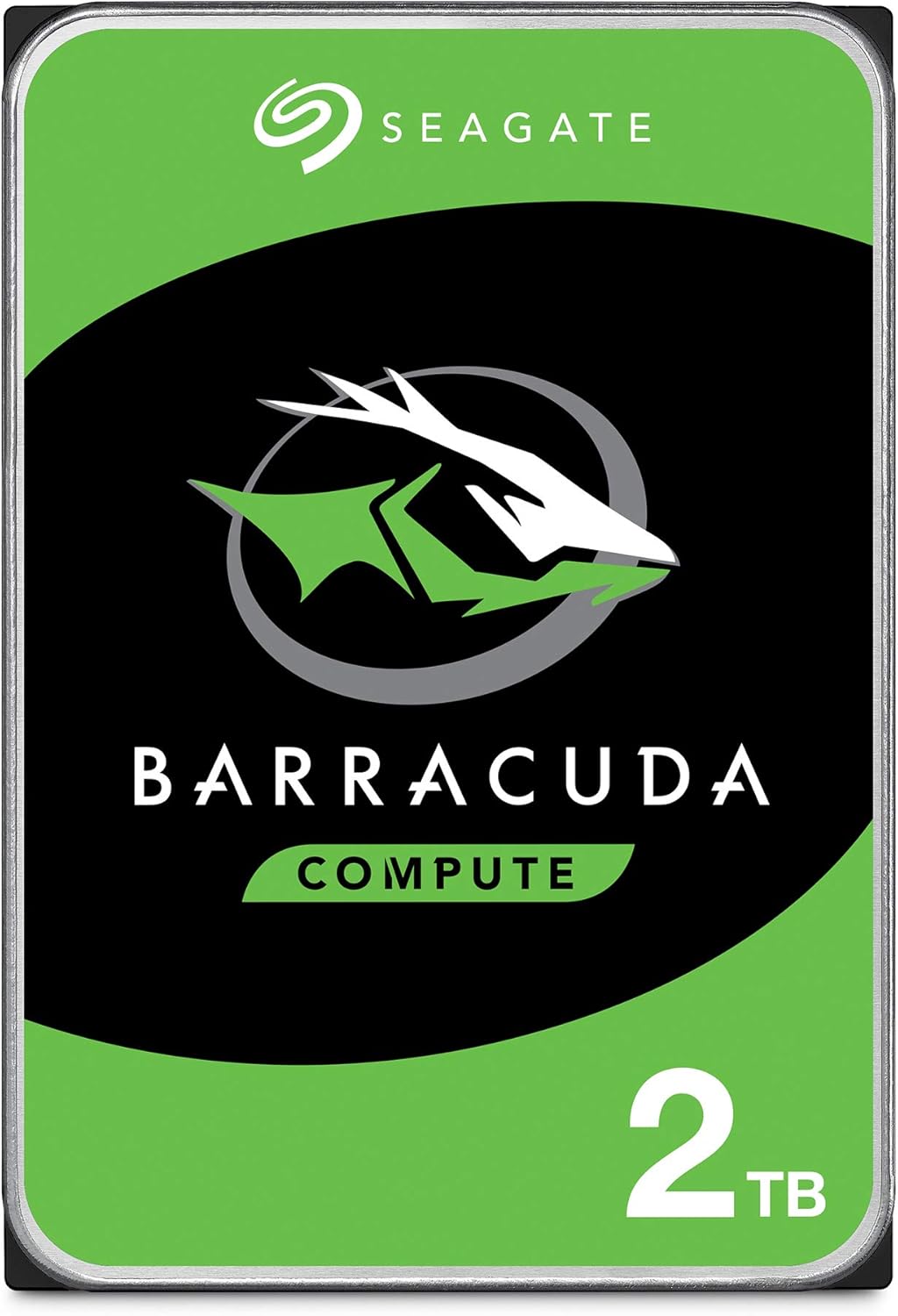
BarraCuda 2TB Internal Hard Drive HDD – 3.5 Inch SATA 6 Gb/s 7200 RPM 64MB Cache for Computer Desktop PC Laptop (ST20...
Seagate★★★★★4.6
HDD
2TB
—
D
$194.59
Specifications
asinB01IEKG402
reviews5448
UPC763649129180763649117842763649110218
Model #ST2000DM006
Weight1.4 lbs
Capacity2TB
FormSATA SSD
Form Factor3.5"
TypeHDD
InterfaceSATA
RPM7200
value15
Form Factor3.5"
PERFORMANCE
10%
Customer Reviews★★★★★4.8 · 5 reviews
★★★★★Failing at the 6 year mark
Purchased this drive 6 years ago and it's beginning to fail (clicking noises started a few months ago and within the last week there have been performance issues that coincide with periods of more clicking than usual, so I'm pretty sure it's on it's way out). I'm still rating this highly because up until now it's performed very well and 6 years of good performance for a 60 dollar hard drive seems completely fair. Plus it's giving me plenty of warning rather than going out suddenly, so I can make a smooth transfer to a replacement drive before this one goes out. To give you an idea of the wear I've been putting on it, I do game daily, but generally not the kinds of games that are super resource intensive and that would put an extraordinary amount of wear on the hardware. If you're just looking to use this for internet browsing, file storage, and/or office software you'll probably get a little more life out out of it than I did, but if you're into hardcore gaming it will probably wear out sooner so I wouldn't recommend it.
K. Lee · 2024-10-09 · via amazon
★★★★★Hopefully i can get 5 yrs of good use out of it before replacing it with another ...
Bought it direct from Amazon and the drive came packaged very well. I installed the drive and ran a extended surface test on it which took about 4 1/2 hrs. The drive passed the test with no errors. Hopefully i can get 5 yrs of good use out of it before replacing it with another new unit. I will update this if any issues arise but so far so good. One thing to note, When i installed the drive it had no active partition out of the box thus it will not show up on windows explorer until you look under disk management, devices or look under diskpart in the command prompt to see in fact that the drive is being detected but isn't active with a partition. This will make someone who doesn't know much about computers think the drive doesn't work and i've seen a lot of reviews where people say the drive didn't show up when they hooked it up and thinking it was broken. Reason being that you need to format and create a partition for the drive to become active. Here's the simple steps to make it happen on Windows 10 which is what OS i use this drive on for media storage. 01 - Open command prompt in Windows 10 by pressing Winkey+S 02 - Type CMD in search box and right click Command Prompt to run as Administrator. 03 - Now when in the Command Prompt type "DISKPART" (without quotes) and hit Enter. 04 - Type "LIST DISK" (without quotes) and hit Enter. 05 - A numbered list will now show with all the drives that are attached to the system. Simply identify the number of the new Seagate drive in this list and make sure you choose the right drive or you could wipe out data on an existing drive with data. If your unsure then you could turn your PC off and unplug any existing drives with data on them, leave your main system drive and your new Seagate drive attached to the PC. Then boot your PC back up and repeat the steps back up to this point and continue on with the listed steps. 06 - After identifying the disk number, type "SELECT DISK 0" (without quotes and also replace 0 with the number that your drive identifies with in the command prompt, i only used 0 as an example.) and hit Enter. 07 - After you've made your selection type "CLEAN" (without quotes) and hit Enter. 08 - Type "CREATE PARTITION PRIMARY " (without quotes) and hit Enter. 09 - Type "SELECT PARTITION 1" (without quotes) and hit Enter. 10 - Type "ACTIVE" (without quotes) and hit Enter. 11 - Type the following command to format the partition using NTFS and to set a label "FORMAT FS=NTFS LABEL=SG-Drive QUICK " (without quotes) and hit Enter. Remember to change the SG-Drive in the command with the drive name you want to use. 12 - Almost home now. Now you can choose what letter you want your drive to show up as in windows. Type "ASSIGN LETTER=F" (without quotes and use whatever letter you want, i used F for example, just make sure another drive isn't already using the letter you chose.) and hit Enter. 13 - Type "EXIT" (without quotes) and hit Enter. Close the command prompt. 14 - Turn your PC back off and plug back in any drives that you unplugged earlier as a way to prevent wiping the data on them by mistake. -----> Hope this helped someone out there. Enjoy your new drive <------
Kayla · 2018-06-29 · via amazon
★★★★★but it's working like a champ
I just got my hard drive a few days ago, but it's working like a champ. One thing to note, you will most likely have to initialize and format it for it to be read by your OS if you're using Windows. This is done through the partition manager, which in Win 10, when you launch it, it will automatically pop up with a window stating this hard drive needs to be initialized. You also have the option of formatting the hard drive through the classic format, or the newer format which supports over 2tb in Windows 10. I do not believe the support for higher than 2tb for an internal hdd is supported in earlier versions of Windows, but this is my first 2tb internal drive, so I am not 100% sure. Speeds are definitely faster than my WD Blue drive, but not quite as fast as my primary SSD with the OS on it. I normally have 1 game installed on the SSD, but with this installed, I no longer want to do that. I may be a bit old fashioned, but I prefer having a large buffer on the primary drive for pagefiles :) Anyway, Seagate makes quality products, and you will not be disappointed with this. I do think a lot of the reviews talking about DOA drives are from less tech savvy people who did not initialize and format, as I described above. I don't know for certain, though. Another note: The drive comes in a smaller package with bumpers, wrapped in an anti-static bag. It looks like an OEM drive, but it DOES come with a warranty, for those curious. IIRC it's a 2 year warranty :) Hope this helps! -CymTyr
ElusiveHappiness · 2017-01-28 · via amazon
★★★★★Good value at ~$30/TB
This drive is suitable for many uses. Anything from movies and music to most games will load quickly off of it, which makes it a good choice for a secondary drive. For a main drive, an SSD is a much better choice, as a computer will boot faster if the OS lives on an SSD. SSDs are also much quieter and consume less energy than HDDs. HDDs are still significantly cheaper per GB/TB than SSDs, which makes them suitable for bulk storage. To install it, you will need a free 3.5" HDD bay, and connectors for SATA power and SATA data. You could use an adapter to power it with molex, but this is not a good idea. The phrase "molex to SATA, lose all your data" has become a common saying for good reason, as most adapters are poorly made, sometimes melting or even catching fire when they fail, destroying the drive or other components along with it. You will probably not fit this into a laptop, as those usually only have 2.5" drive bays, or the new M.2 sized drives. Refer to your computer's documentation if you arte unsure which size it accepts. Please note that this drive is not plug and play. You will probably need to format it and assign it a drive letter within your OS before you see it in your file explorer (this is fairly easy in Windows 10, a simple search will tell you how.) You may have heard that Seagate drives have a high failure rate compared to other brands, which was true for an earlier iteration of the 1.5TB and 3TB BarraCudas. These are a newer model, and do not suffer from the same problem as the older version. That being said, you should always have backups of important files, or anything you can't replace. Network Attached Storage devices, external drives, and cloud services are all good options for backup.
DG · 2017-04-30 · via amazon
★★★★★Dependable for Editing — Not the Fastest, But Solid for My Needs
I’m using the Seagate BarraCuda 2TB (ST2000DM006) in my editing rig, and while it’s not blazing fast compared to SSDs, it’s held up well and done its job reliably. The installation was simple, and right away I had the full 2 TB of space available. It handles video assets, libraries, and raw footage with no crashes or data corruption so far. Many users mention that it “runs quiet and offers good value for the price.” In day-to-day editing, large files and previews can be a bit slower to load, but that’s expected from a mechanical HDD. For storage and bulk media, though, it’s more than serviceable. I’ve had it for years now and it’s still going strong — no mechanical failures to report (so far). Some others warn about noise or early failure experiences If I were to pick a weakness: the seek times and transfer rates don’t compete with SSDs, so for “hot” footage or working files, I reserve faster drives. But for everything else — archives, media, backups — this BarraCuda has proven dependable. Would I buy it again? Yes — especially when price per gigabyte matters more than raw speed.