💰 Minimum 1TB NVMe for gaming. Add a 2TB+ HDD for media if needed
FILTERS
🔍
SORTVIEW
FILTERS:
ProductTypeCapacityReadValuePrice
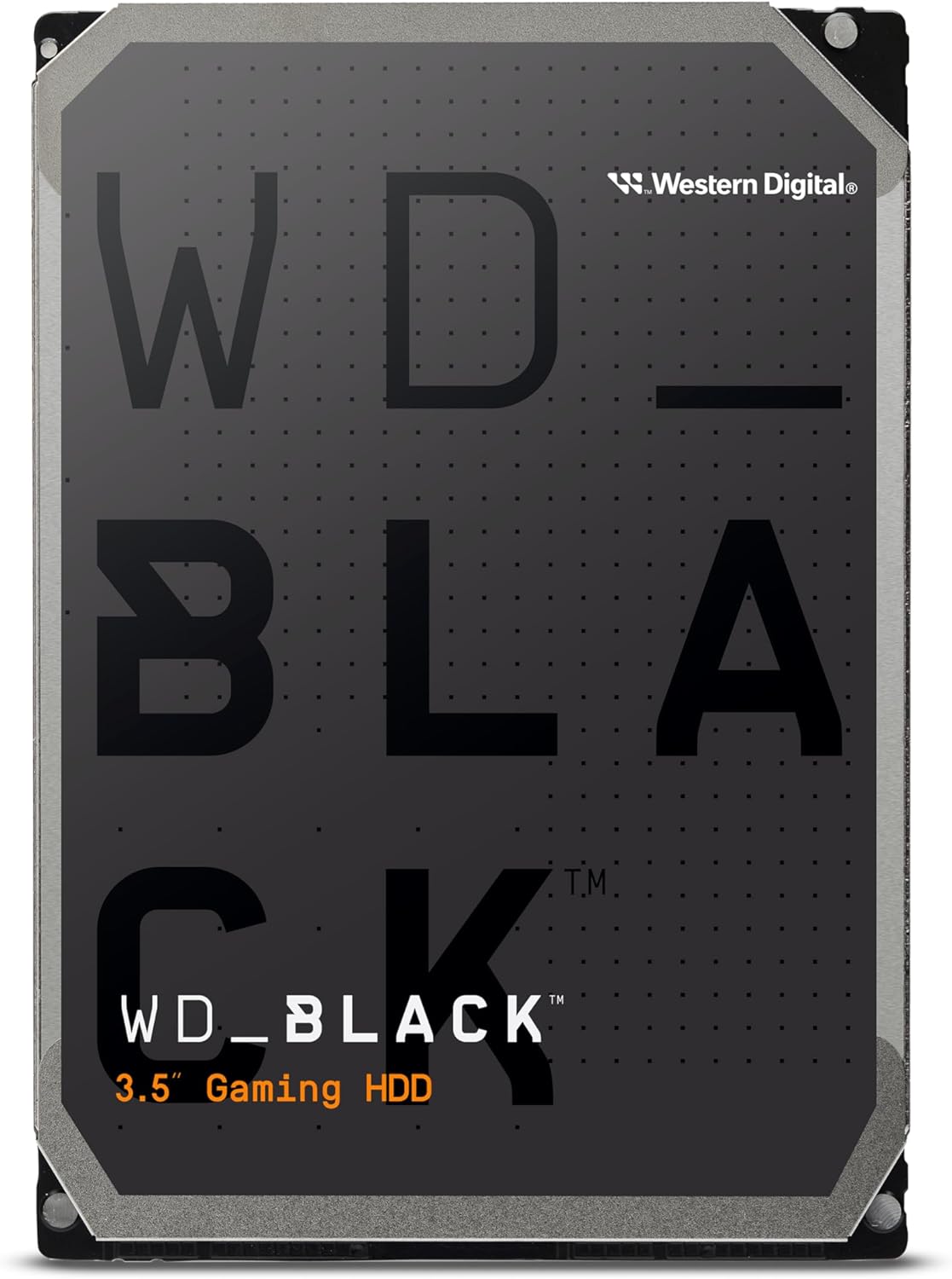
Western Digital 8TB WD_Black Performance Internal Hard Drive HDD - 7200 RPM, SATA 6 Gb/s, 256 MB Cache
WD★★★★★4.5
HDD
8TB
—
D
$379.99
2 stores
Specifications
TypeHDD
Capacity8TB
InterfaceSATA
FormSATA SSD
RPM7200
Weight1.5 lbs
Model #WD8002FZBX
UPC718037858470
PERFORMANCE
10%
Customer Reviews★★★★★4.8 · 5 reviews
★★★★★Great Drive!!
Sometimes you gotta sacrifice silence for performance. This being a spinning disk it makes a bit of noise when reading/writing, however it's okay and fully functional. Great speed and useful for new builds.
pspness · 2026-01-17 · via amazon
★★★★★A reliable beast for creatives
I've been using this hard drive for several weeks now, and it has truly exceeded my expectations. If you work with large files like video projects, renders, or game libraries, this hard drive is an excellent investment. Loading and transfer times are fast for an HDD, and the 256MB cache makes a huge difference when moving large folders. It's a SATA drive, so don't expect the speed of an SSD, but within its category, it performs very well. I have it mounted in a tower for video editing and storing old projects, and so far, I've had zero annoying noises or overheating. It stays cool and stable. Something to keep in mind: this model is more expensive than a regular hard drive, but it's clearly built to last. If your workflow is demanding or you want a robust drive for your game or media library, the price is justifiable.
Jean · 2025-06-29 · via amazon
★★★★★WD black is the only way to go
I've had a lot of hard drives over the years, but the reliability in performance of Western digital black drives stands above the rest. Yes you can spend less money on a drive the same size, but sometimes you get what you pay for. When you get a Western digital black you get a longer warranty and faster speeds. These drives are fast, quiet, and reliable. I bought this to replace a failed Western digital black 2 terabyte drive of the same model, that was part of a raid array. Mind you, when I say that that drive failed, it did so honorably after 9.27 years of uptime in computers that were left running 24/7. I still have three more identical drives that are the same age, and still working fine. That's well beyond the 5-year warranty. I say computers, with a plural, because when I upgraded to a new computer I continued to use my old, and still functioning WD black hard drives. So with any luck, this new drive will last as long as the old one did, or more. I don't have any heat issues with these, but then again I have a high air flow case, and the drives are installed with fans blowing over them. I did try it one point mounting several drives very close together and and enclosed space, and I did run into heat issues. As long as you have reasonable air flow and you don't pack them too close together, they're not going to get too hot. I know in this day and age still using hard drives is kind of antiquated, but depending on what you use them for and how you use them, they can still have some benefits. I use these in a raid configuration consisting of five identical drives that contain a raid 0 array and a raid 5 array. This way I have the benefit of speed over data protection for one volume, and the benefit of data protection over speed for the other.
Darkraiven! · 2024-10-18 · via amazon
★★★★★This is a "better" quality, very fast Western Digital drive that works with eSata or USB 3.0 in an external docking station.
Western Digital hard drives are my choice when I pick a new hard drive. I used to live near their California HQ and was a former head of a large PC user group and learned WD has good quality. This drive is more expensive than others because i researched which one was good for handling heavy graphic read and write's when using video editing software and the file was on an external drive. This is a SATA drive and runs the faster 7200 RPM with a large cache. You have to either install this an internal drive, or buy an external drive case for this, with cables, etc. This is a do it yourself product and not for novice users. This drive is NOT a consumer product. You have to go to the website to get the instructions on how to format this drive, etc. That is what they mean by Bulk/OEM labels - it lacks any extras included with consumer hard drives in a box. You have to order the cables you need, and download the configuration software from the WD website, which is fairly easy to do. If you don't want to configure a drive like this, find a consumer external drive with the CD, cable, etc. and buy it instead. You need to know if your PC will handle large partitions, ie. 2 TB, or you have to format it with several partitions due to older operating systems. I did not buy a separate external drive box, but bought an Anker external open case with power supply and capability to connect to both USB 3.0 AND eSata connections. I did that because using the eSata port on my old laptop was much faster than 2.0 USB. But, I can move the box and drive to my desktop which has a USB 3.0 add in card. Both eSata and USB 3.0 are much faster transfer speeds than USB 2.0 and this drive can handle it. I have included pictures of the drive working fine in the Anker case so you can see both in use. Note: Hard drives have standard connections to the case or internal slot for power and data transfer. The ability to provide USB 3.0 or eSata connections is built into the case, not the hard drive. Both USB 2.0 and eSata require special cables, so don't forget to get them if you do this. In my case, since I used the external "open" Anker docking station, I didn't need cables. I just slid the drive into the docking slot and the connection for data and power was made. The Anker unit also has an on off switch. Of course, if you use this drive internally in your system, that is a different process and involves other tasks if you make it your primary drive with an operating system. I did not do that, so mine is used primarily for a video data file drive and has not been setup with booting capability. You can't go wrong with Western Digital. (Unless they sell out to someone,then watch what changes in quality). You can get this drive in 1 TB, 2 TB or 3 TB versions. I got the 2 TB version and it cost about 30% more than WD drives with lower speeds and features.
Vance Jochim · 2014-11-29 · via amazon
★★★★★not for quiet builds.
it's ok. loads games quickly. has amazing storage. it's great but there's one HUGE problem if you built a silent computer. coming from 2 ssds then installing this thinking it would be my "mass storage" drive for most games and videos and what i got is a LOUD WHINING NOISE. it's constant. this hdd is the loudest component in my computer. even under the desk, i can hear the disks spinning and it giving off a high pitched noise. when reading and writing there's a clicking noise. that's not the issue. it's expected. the issue is the spinning of the disks is somehow causing a high pitched whining sound that is so annoying. completely ruined my silent computer. had a 232gb sata ssd, then a 1tb nvme ssd and running out of storage, thinking "hey, i'll just get a hdd with 6tb", not even thinking about the NOISE of this thing. for people with loud builds they probably don't notice it. but my build was 100% completely silent. now all i hear is this high pitched whining sound for a 24/7 computer it's pretty stupid. performance vs noise i guess. it's faster than others, but louder too. could be a deal breaker. honestly a shame.